Showing posts with label Artsonia. Show all posts

Monday, October 26, 2020

"Design a Mask" and Yearbook Cover Contest!

 We have two optional but fun creative projects going on at Dolvin for all students who wish to participate. The first one is the Yearbook Cover Contest and the theme for this year is Better Together. Remember your tips for making quality work - fill the space, use interesting and unique details, use bold lines and bright color. Here is everything you need to know:


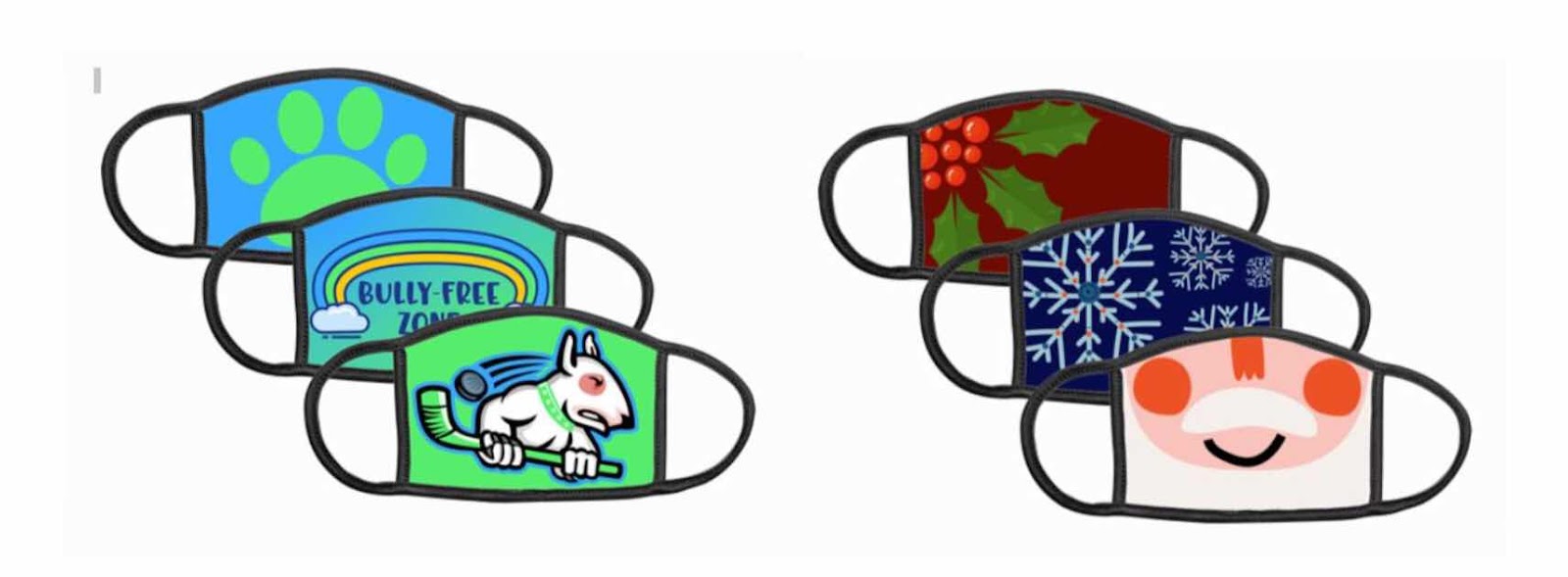
The other is Artsonia's "Design a Mask" project, which allows students to create their own mask designs to wear or share as gifts. Artsonia has been our digital portfolio platform for years, so if you are new to Dolvin and have any questions, please don't hesitate to get in touch with me. You can find out all you need to know about Artsonia at the tab above, or in your Art Team > General Files.


Friday, April 24, 2020

Friday - Spring Arts Showcase

I hope that you guys have enjoyed some fun art activities this week - it has been a thrill seeing what you have sent me! Today we are going to wrap up with some photos of the work you guys completed this week, a new Fan Letter from the Artsonia gallery, and a video lesson from me on coloring tips - so keep scrolling! :)
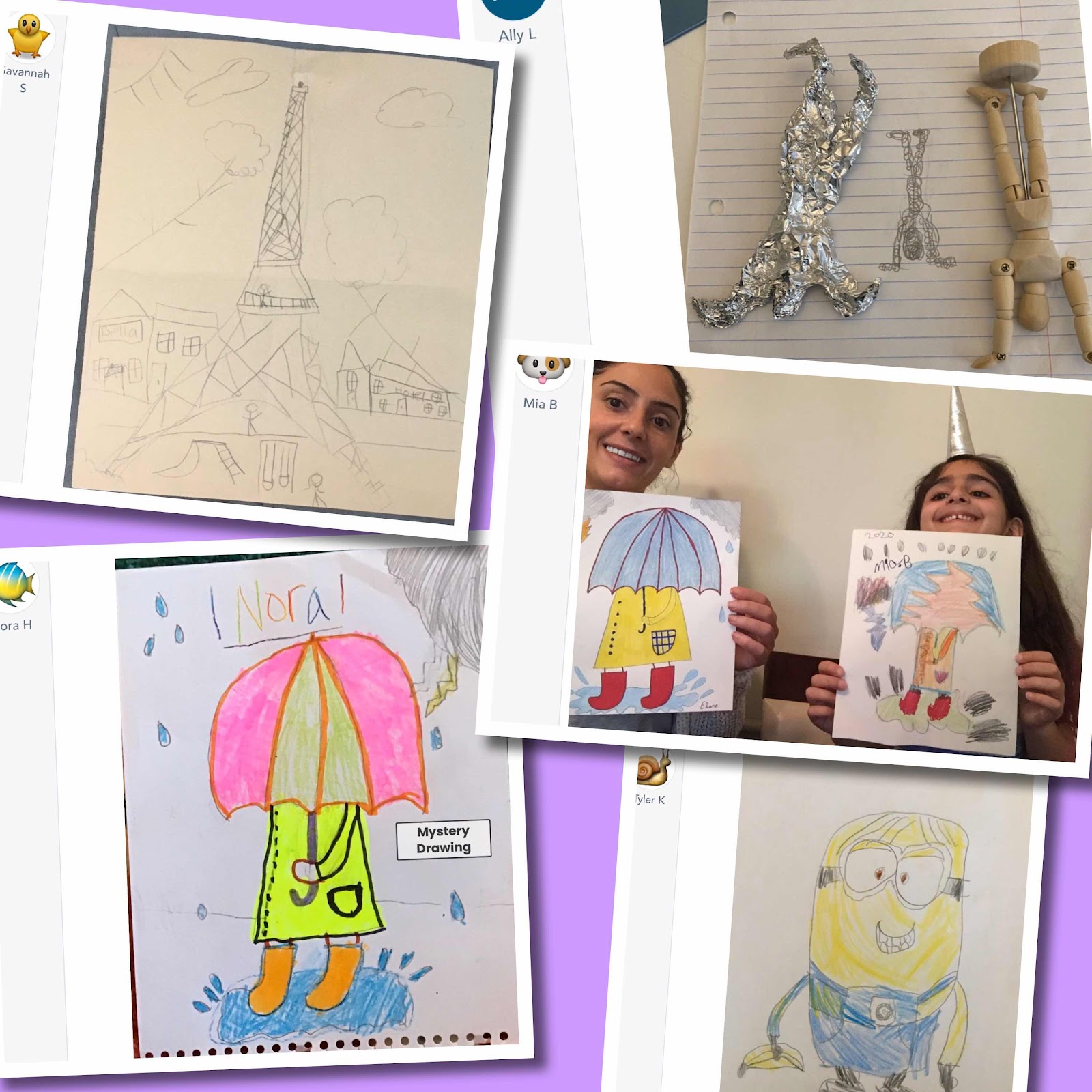
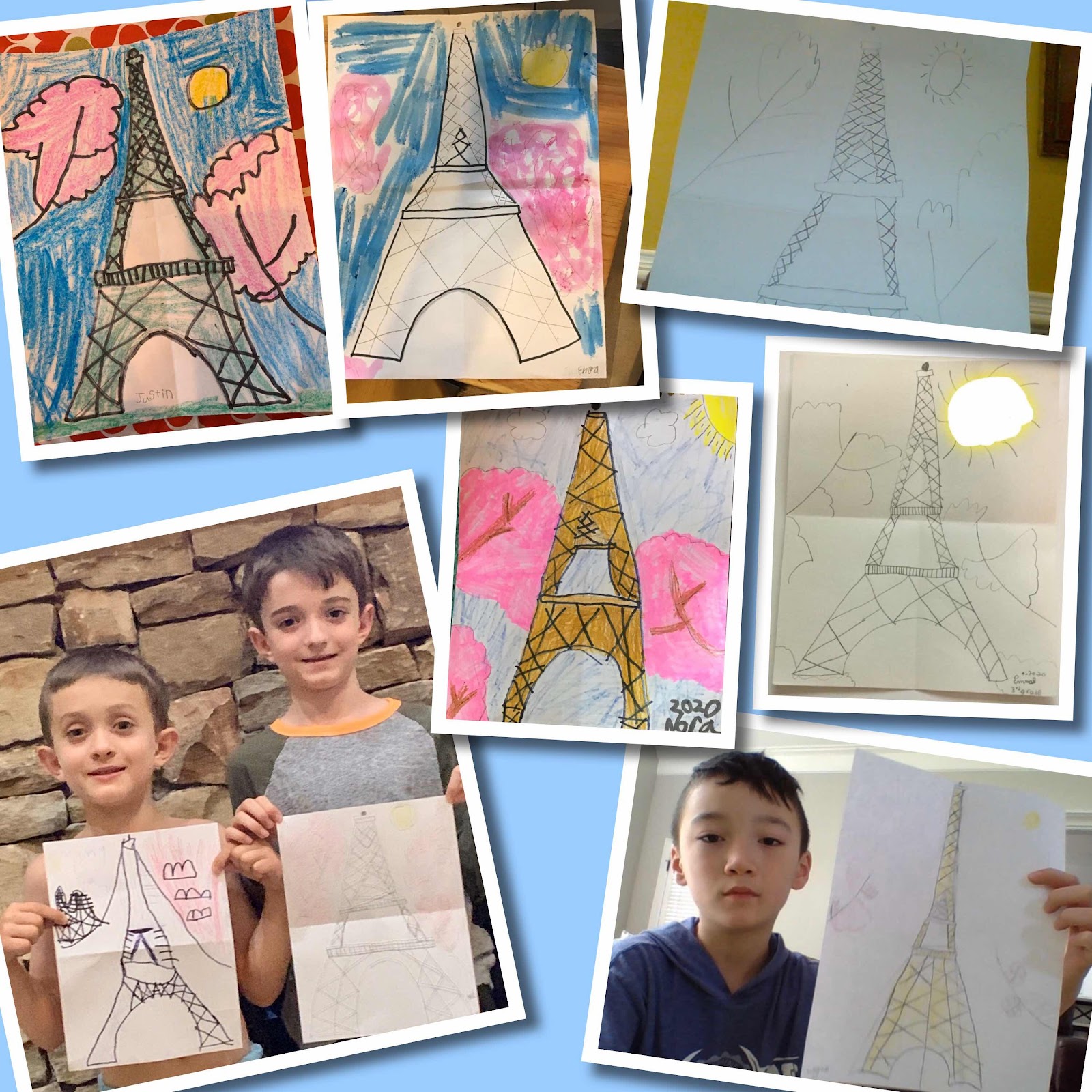
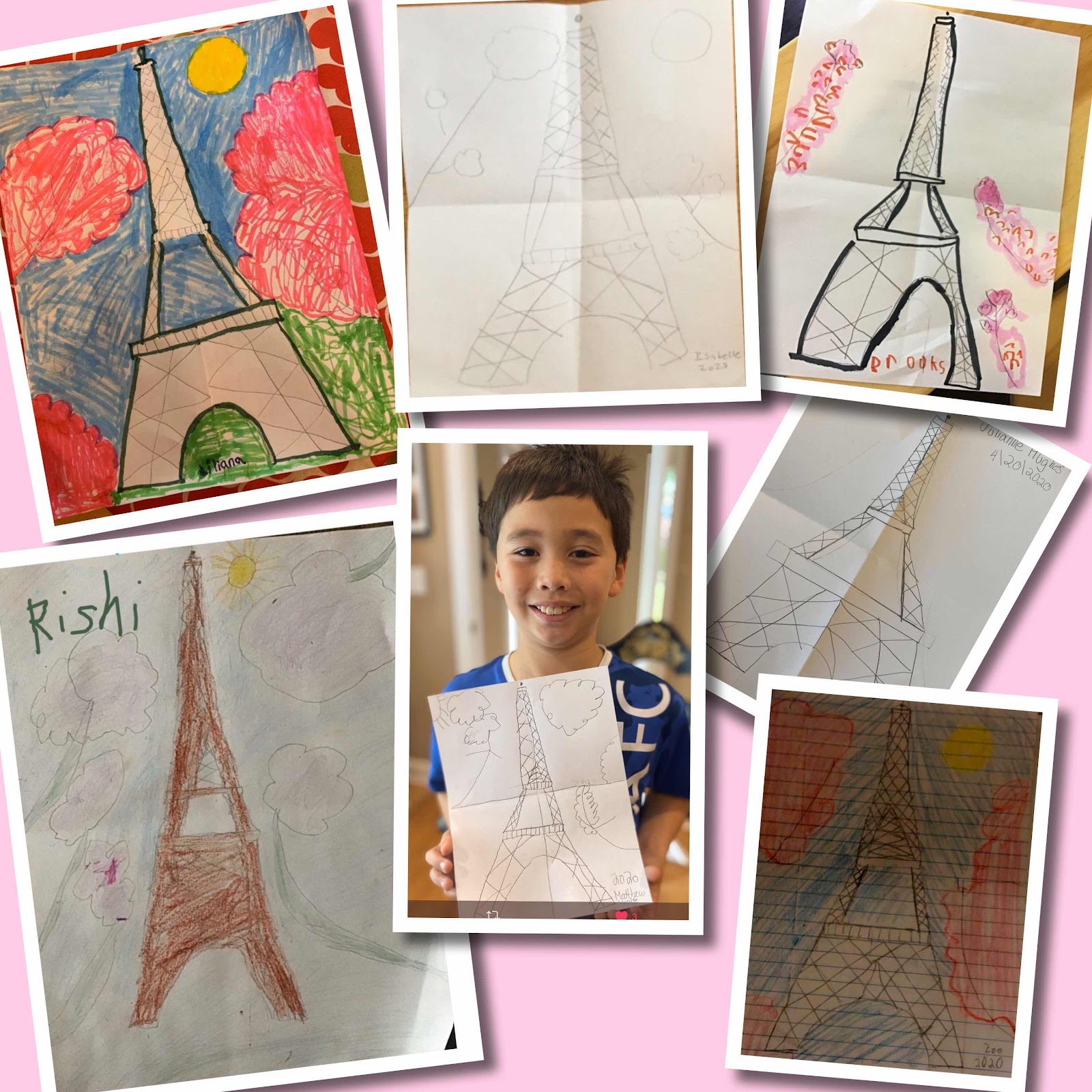
First let's take a look at this week's Mystery Drawings 😍😍😍: the Eiffel Tower with cherry blossoms


I'm so glad Mystery Drawings are something we can continue from our classroom - thanks for drawing with me, everyone!

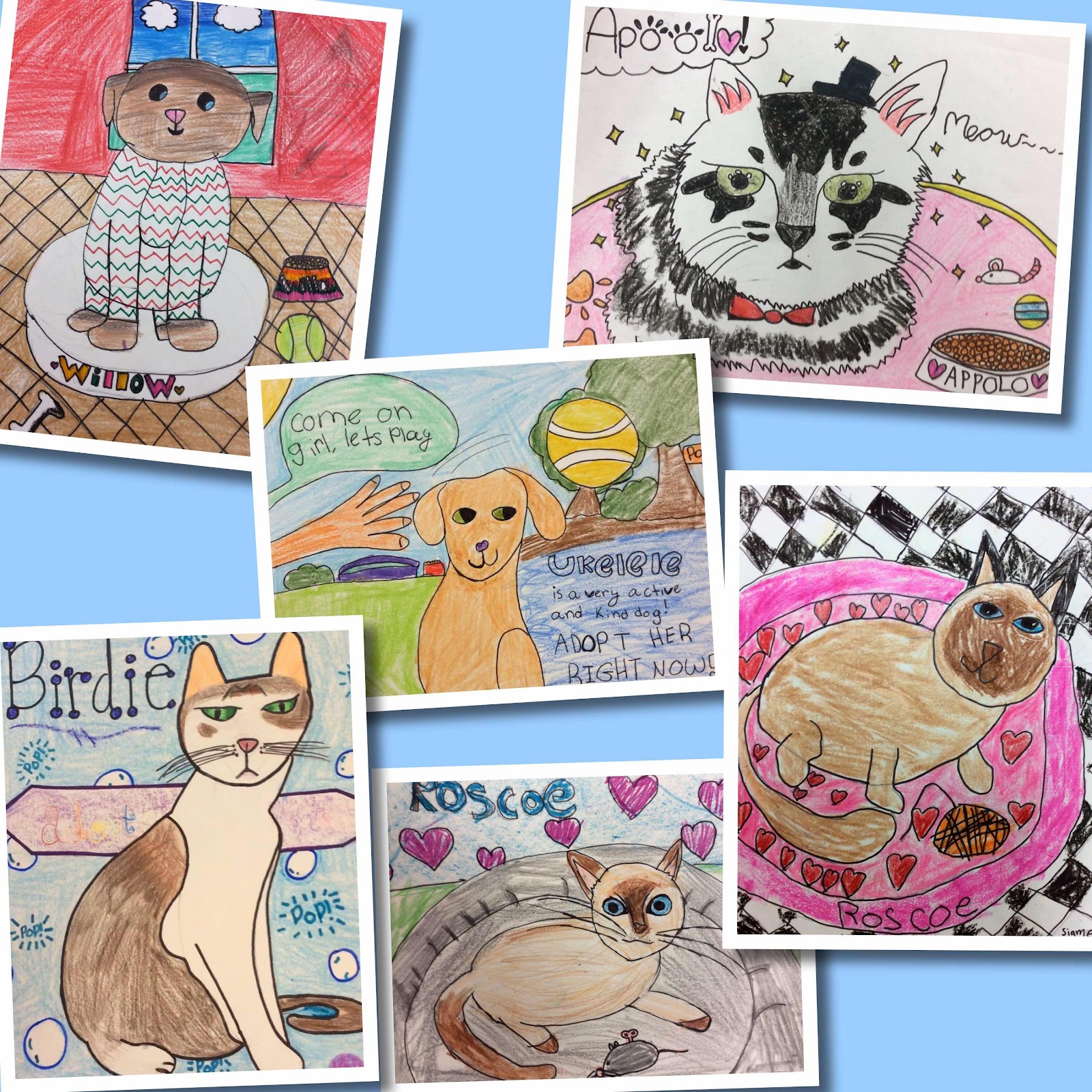
Today's Fan Letter from the Artsonia Gallery goes toooo... 3rd graders Chloe and Serena, 4th grader Katsiaryna, and 5th graders Claire, Ashlyn and Haley:
Dear girls, 
Your pet portraits are amazing! Each of you found a unique way to show the beauty and sweetness of each of these FurKids shelter animals just by looking at their photos through your creative vision. It is wonderful to share your art with the world, especially when it can help others. Thank you for showing outstanding craftsmanship and attention to detail. #petpARTners
Your fan, Mrs. Knight

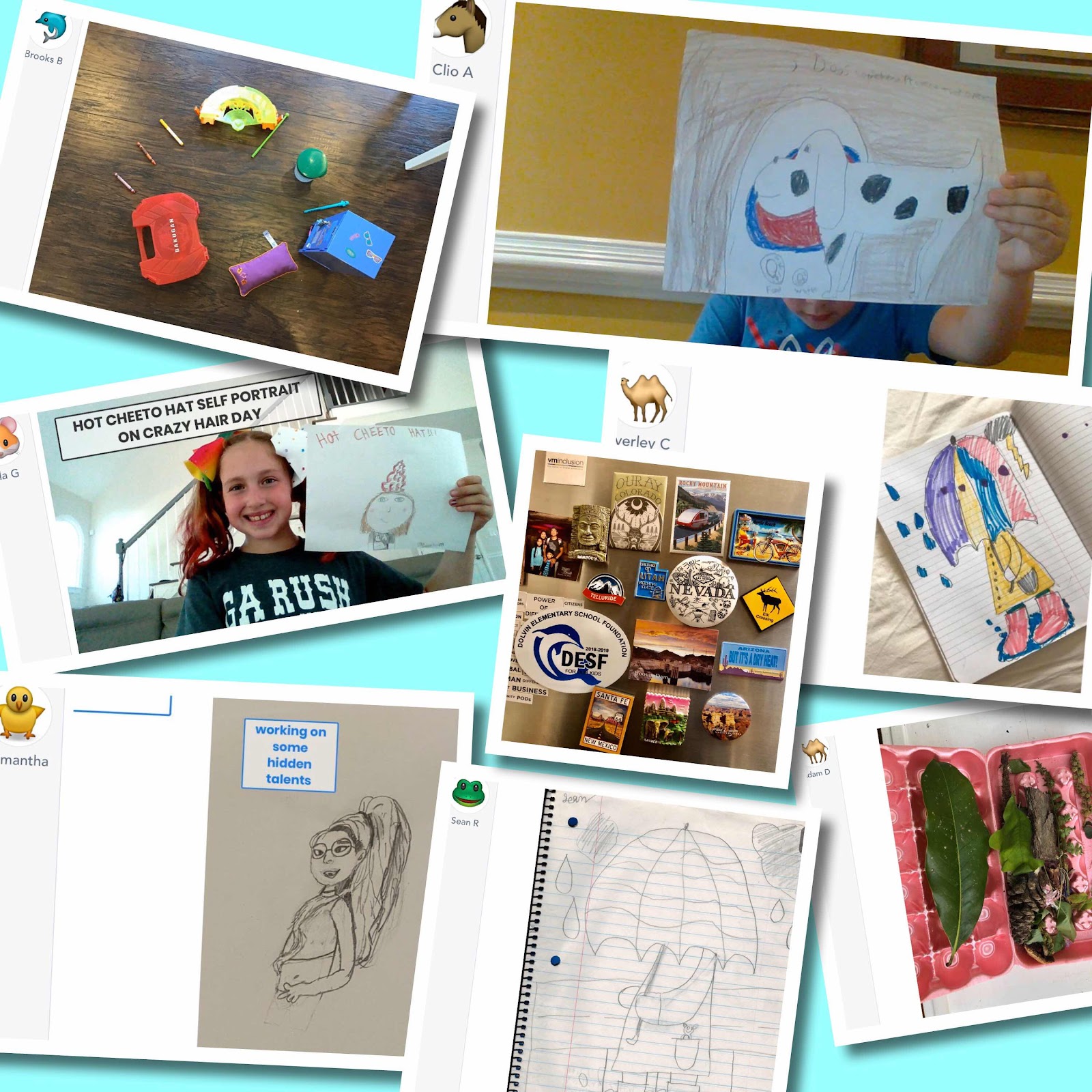
Here are some of the fabulous art submissions I received this week through Artsonia, Seesaw, Twitter, and email - I am proud of how all my artists are working independently at home!


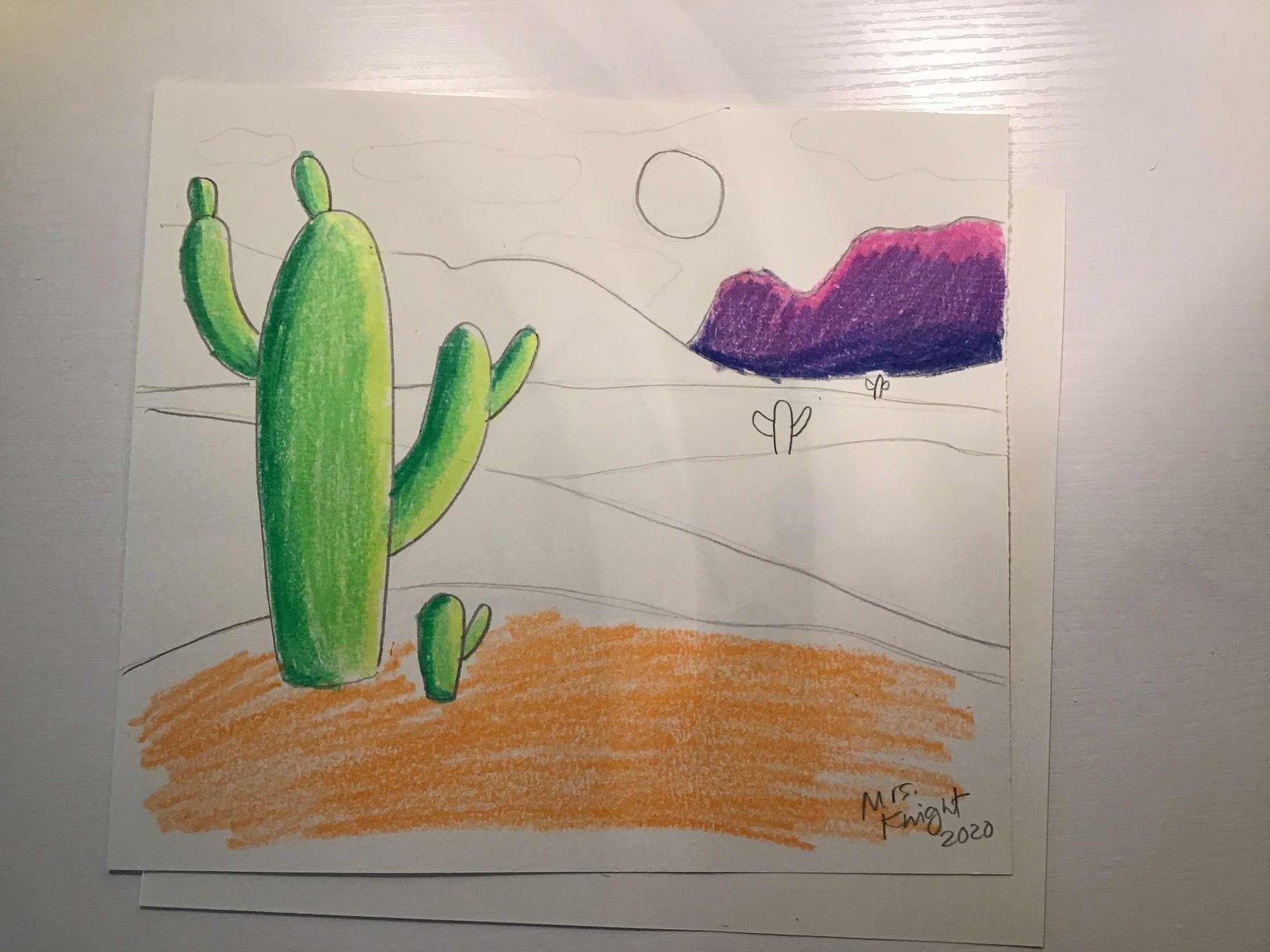
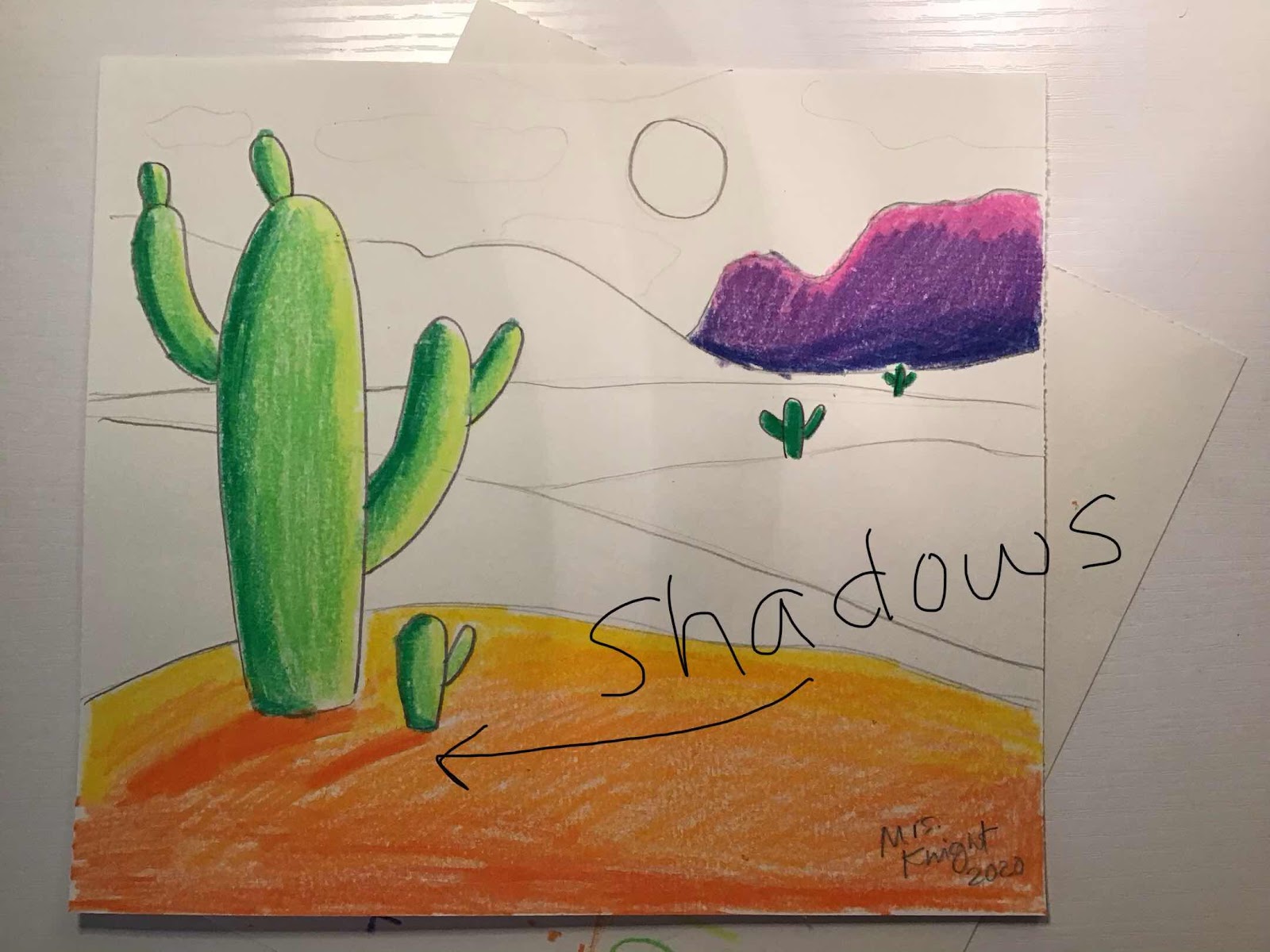
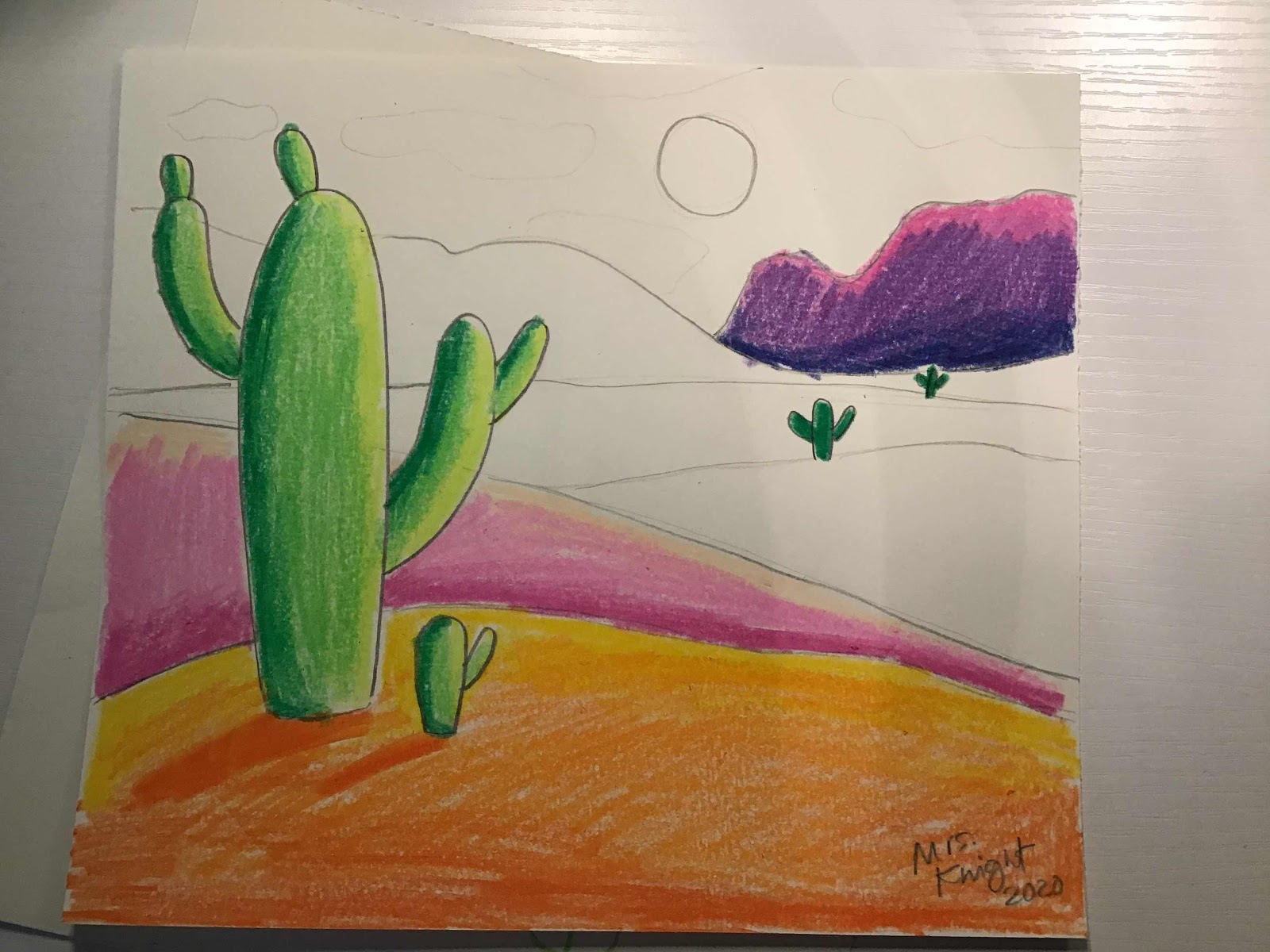
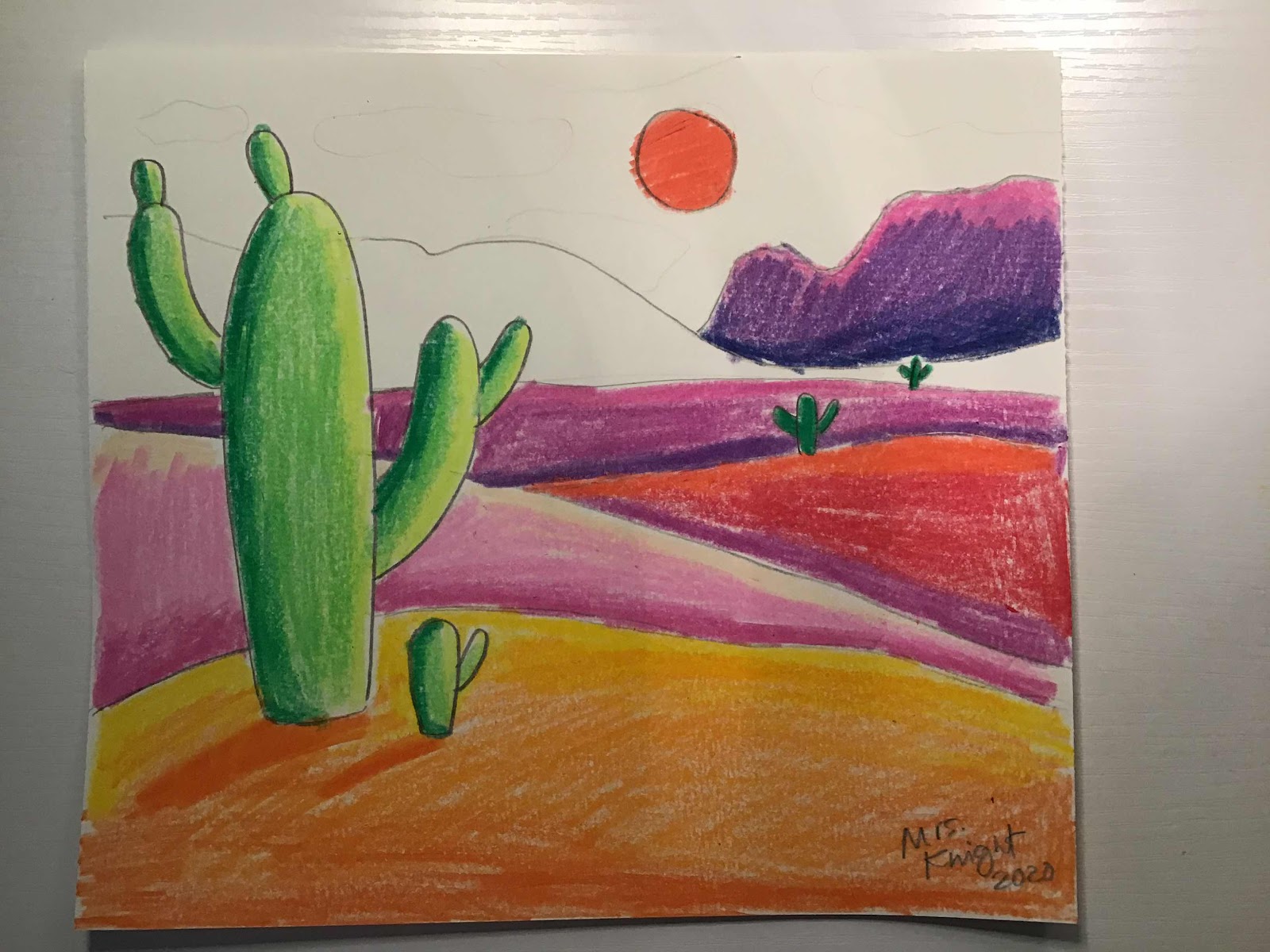
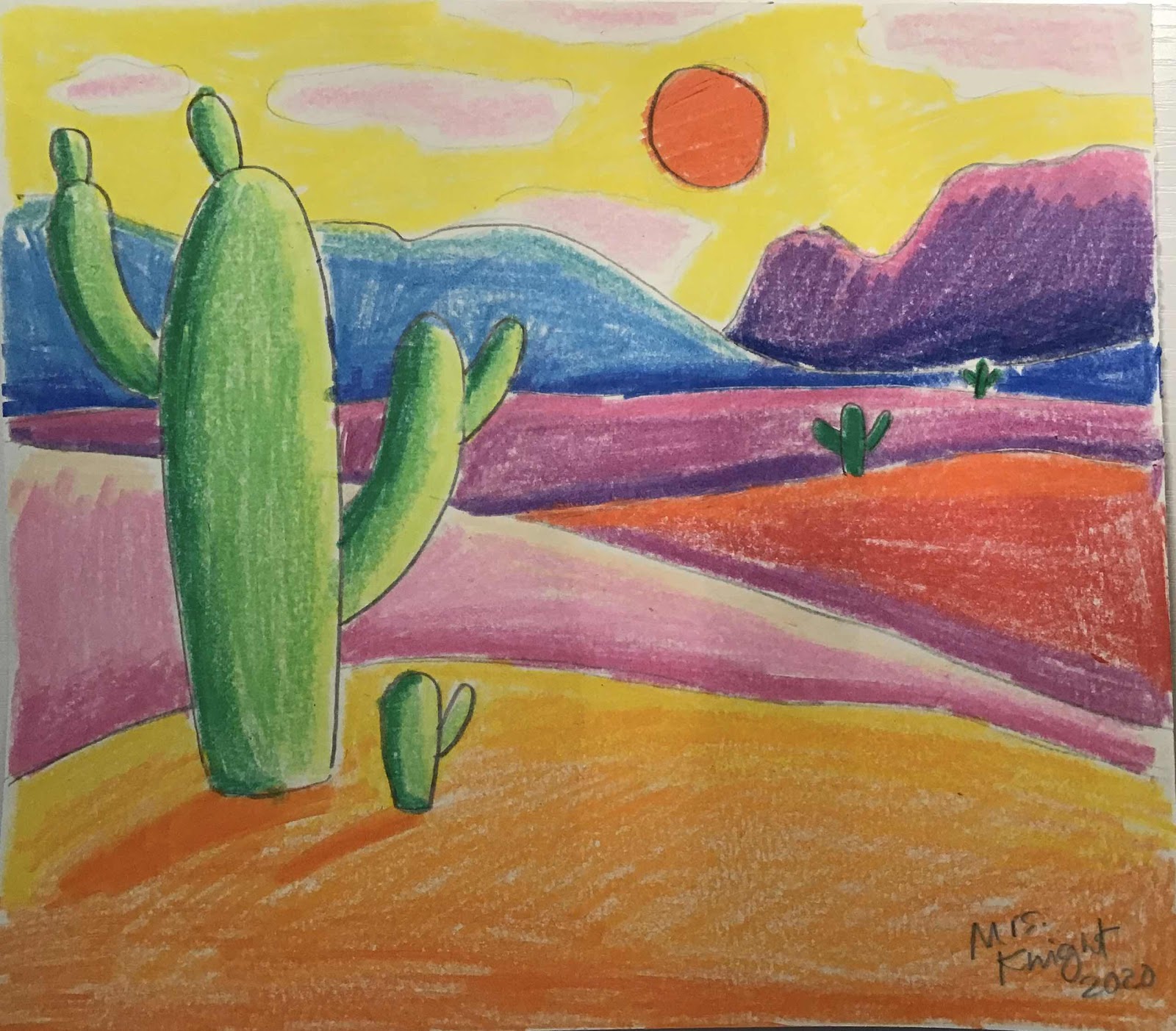
Here is today’s drawing activity - spicing up your coloring projects! Grab your crayons and paper and let’s brush up on our coloring skills. 


Monday, April 20, 2020

Tuesday- Spring Arts Showcase

Today I am sharing a video with you that will help you upload your art to Artsonia. In our art room, grades 2-5 have been uploading their art themselves. Parents will need to assist the K-1 kiddos.


I would also like to share two Fan Letters I wrote from our Artsonia gallery. I hope you will write some as well - see Monday’s post if you need the info on that.

Dear Carolyn and Adam (4th graders), 
I love your truck designs! Both of you came up with really clever ideas for your truck, and in your own unique ways. Adam's design is really detailed and complex, and he put a lot of thought into the features of the truck. Carolyn's bright and beachy ice cream truck looks right at home with the sand and surf. I would love to visit both of those trucks in real life - thanks for doing your best with this project. 
Your fan, Mrs. Knight

Thursday, April 16, 2020

Dolvin Spring Arts Showcase!

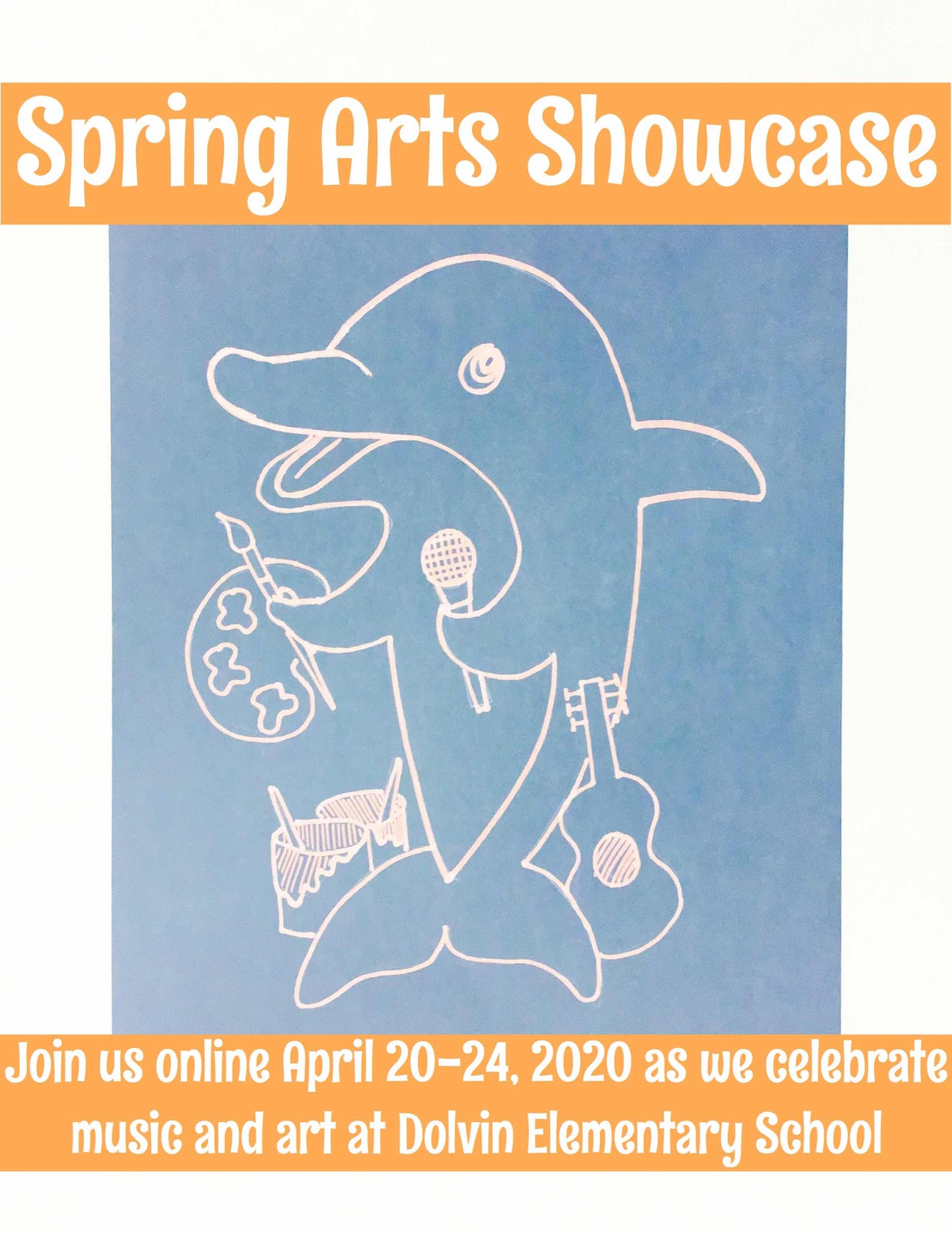
Check in next week for our Spring Arts Showcase, where we will celebrate art and music at Dolvin Elementary! We can't assemble for Fine Arts Night this year for the first time in decades, but that won't stop us from shining a spotlight on our creative achievements for this year. Be prepared to enjoy from the comfort of your own homes. See you then!


Saturday, October 8, 2016

Mystery Drawing: Owl - and creating a title


Way way back when, in my first year teaching, I had a book called Ed Emberley's Make a World, which gave simple instructions for combining shapes to create more complex images. These steps were really helpful for a beginning artist to learn to see how forms can be built from simpler parts. I started using these techniques in my classroom to help students improve their drawings - and one day I decided to work on listening skills so I didn't tell them what we were making up front -  they had to listen to the clues. They were into it! "Mystery Drawings" became a regular exercise in my class. They were especially useful on days when the kids were really boisterous, like the last days before a big break. They seemed to enjoy the calm focus, and so did I ! :)
My first one was a castle, and I have developed several others. Here are some of our kindergarten owls. I set the tone by announcing that we are going to solve a mystery with our ears, our brains, and our pencils. Then the clues start coming.... vertical paper, giant U shape, connecting lines, over/under, etc - reinforcing vocabulary along the way.
While they are drawing, I am circling the tables, asking for guesses and helping.
Once we are most of the way through, someone solves the mystery and everyone celebrates, but our work isn't done. We continue the steps, and as we go we share things we know about owls. Next, the students have an opportunity to personalize their drawing with backgrounds,textures, patterns, colors. For the Owl drawing, we discuss his nocturnal nature and most choose a nighttime setting. We also discuss his feathery, fuzzy, and sharp textures and experiment with markers and crayons to create these effects. I demonstrate drawing texture lines with markers and using crayons for filling in areas and blending.


Once the page is filled, we discuss titles and what makes a good or bad one. So often, as I am asking kindergarteners what they would like to name their art, they say something completely random. This lesson is a great opportunity to talk about titles because it is very clear what the artwork is about. We use descriptive words and they proudly declare their artwork "The Rainbow Owl", "The Mean Old Owl" or even "The Sleepy Owl on the Branch.”

This lesson takes two 45 minute sessions, from start to finish, including uploading to Artsonia by me, as I move around the room taking pics and getting the titles from each child.


It is amazing to see all the different owl personalities at the end, and you can see the confidence being built as we move from step-by-step in the beginning to more open-ended media exploration in the end. I am offering a set of five of my tried and true "Mystery Drawings" in my Teachers Pay Teachers store if you'd like to give this technique a try!


Thursday, September 22, 2016

Digital Portfolio Apps: A Collaborative Comparison Chart


Part of an art teacher's job is to make sure that their students artwork is displayed - brag about the happenings in your class, show students that art should be shared beyond the classroom walls. In the past, that meant that an art teacher would line the walls with beautiful art to show to the rest of the school. This is still a practice that many of us do. Many art teachers are looking to make the viewers of their classroom’s art be shared beyond the school walls. Using social media is one way to do that… another way to share art is through Artsonia, Seesaw, and/or Creatubbles.

Using apps to share art is HOT right now. How does an art teacher choose what platform to go with? We thought we would help with this question -  I will be sharing about the app Artsonia in this post. Nic Hahn of the awesome art ed blog MiniMatisse will share Seesaw information. Finally, Tracy Evans @EvansArtHouse, Matt Grundler @Artguy76, and Beth Carter @Bacarter77 and It is Art Day will be sharing on the web based tool, Creatubbles. This Creatubble team are art teachers from Texas who just happen to be valued members of my #PLN (Professional Learning Network) on Twitter.

Please click on the links in the paragraph above to read specifics about Seesaw and Twitter, and look below the chart to read my post about Artsonia.

Here is a helpful chart to compare the apps, so that you can best decide which to try in your classroom setting.


Let's talk about Artsonia!


Artsonia has been such a source of pride for my young artists over the last few years I have loved using Artsonia as a teacher for several reasons - it is an exciting way to show off the cool things we do in our classroom, including writing and integrated subjects. Also, students get a kick out of seeing their portfolio grow from year to year, and it fulfills technology and feedback/assessment requirements. Families love it because they can share with extended family globally and create a Fan Club for their little artists, complete with comments - there is even a fundraiser aspect that is no extra work for you!


This link will take you to a recent post that gives you a step-by-step guide to using the Artsonia app in Classroom Mode, meaning that the students are doing their own publishing; there is also a Teacher Mode for batch publishing by the teacher. http://dolvinartknight.blogspot.com/2016/08/get-your-class-publishing-with-artsonia.html  
You can also find information here on how to download your own Artsonia Station display, as seen in the pics above, or Seesaw Station and how-to handouts, as seen below.


Please feel free to ask any questions about getting your students started with Artsonia in the comments - thanks for stopping by!


Saturday, August 27, 2016

Get your class publishing with ARTSONIA!

                              
If you have been thinking about using Artsonia digital portfolios in your art room, I have some options that may be perfect for your particular classroom setup. In this post, I will explain my flexible stations and how to get the kids independently publishing using Classroom Mode.
I have loved using Artsonia the last couple of years for several reasons - it fulfills technology and assessment requirements, students enjoy seeing their portfolio grow from year to year, it is a wonderful way to get and give feedback, and families love it - there is even a fundraiser aspect that is no extra work for you!
                                  

Newbies
If you are new to Artsonia, you will need to establish your account, upload your students (you can send them a spreadsheet), and create the first project for the kids to upload to. Some people have many different projects, but I find it simpler to just call mine "unit 1 favorites, unit 2 favorites" etc. and change the name each 9 weeks or semester. The good news is that once you have the names in and parents have signed on, you are in and you don't have to repeat that step year after year - Artsonia will even help you organize your classes each new year. If a parent doesn't sign on, students can still participate and their work can be seen in the Teacher Mode in class, it just isn't posted online publicly without a parent account.
The first time I did it, I started with just one class to get the hang of it, then started adding more and by the end of year everyone was participating. Baby steps!

Lack of space?
I posted recently about my Artsonia Station in my classroom that accommodates up to five kids at a time - I use the school's poster enlarger to print the info poster size. If you have a smaller space, the Artsonia Station will work for you too - the signage can be printed small for a mini-station, as seen in the very top photo - I have my mini-station set up in a shared classroom across the hall for spillover or if kids from other classes want to upload. Even if you have no extra space at all, the Station can be printed as a double-sided handout and added to sketchbooks/portfolios and kids won't need to leave their spots.
https://www.teacherspayteachers.com/Product/Artsonia-Station-instructional-display-and-handout-2722191


Uploading in action
Ally, Corinne, and Harper helped me put together this little pictorial on how easy it is to use. In my room, the 2-5 graders do their own uploading - when complete, the projects wait to be approved by me before they are posted - approving is easy, just a click, and I can do editing from my end if necessary or I can send it back to the student. K and 1 students work along with me to upload - I use teacher mode often in this case because I don't have to approve the work afterwards.
Here we see Ally opening the app, scanning the QR code, choosing the project and editing her photo.

She can add an artist statement and see her current and past work. Ally is in 5th grade and knows how to upload independently when she finishes a project, or at different stages.

Corinne and Harper are in K and 1, so they work with me (or an older student if you can round up a few!). Here they are getting started...

Photographing, editing, and adding titles...

This mini-station is perfect for 1-2 students - the next pictures are from my larger station, which was the "prototype" for the one I am currently offering on Teachers pay Teachers. I will be blowing up my new design on the school poster maker and updating this to my latest design pronto. It has been a fantastic addition to the art room, and the kids take so much pride in publishing their works!


Thanks for stopping by and let me know if I can help you with your publishing needs!
https://www.teacherspayteachers.com/Product/Artsonia-Station-instructional-display-and-handout-2722191


Wednesday, August 10, 2016

Artsonia Station display and handout

At the end of last year, we created an area of the artroom designated for photographing, editing, and publishing our artwork independently as students completed projects. It is called the "Artsonia Station" and it is awesome! Students in grades 2-5 used it a lot during those last weeks and I had a lot of comments on Instagram about the center.
Great news! I have a new printable format available on Teachers Pay Teachers, including five printable pages that can be enlarged to bulletin board size or used as is for a smaller center. I have also condensed the pages into a single-page, 2-sided handout if you don't have room for a center, or just want a small one for sketchbooks.
Artsonia has been a really popular addition to our art program - families love how easy it is to share the artwork. The students are taking great pride in publishing their art along with thoughtful artist statements. We even get rewarded with a portion of the gift shop profits! 
Here's where you can find the Artsonia Station : https://www.teacherspayteachers.com/Product/Artsonia-Station-instructional-display-and-handout-2722191


Saturday, May 7, 2016

Highlights from our art show - Fine Arts Night 2016

Our chorus concert and art show - also known as Fine Arts Night - is always a fun end of year event at Dolvin. We had another fantastic turnout, with lots of proud faces and families. Take a look! 
 We started working on the chorus concert backdrop a couple of weeks in advance - luckily art and music classes are neighboring so kids could take turns working on it in the hall during their specials time. 100 Years of Broadway was their show title and they had some amazing performances.

We continued our tradition of promoting the Free Art Movement! Some of my 4th and 5th grade students made Free Art to share in the form of coloring books and free art flyers - these went fast! The idea for these came from some awesome teachers in the Facebook art teacher group - Mrs. Abreu's art class and http://pretendstudio.weebly.com/free-coloring-book.html - thanks for sharing!

The art show itself is made of a variety of pieces made throughout the year - each student selects a favorite piece from their portfolio, after discussing what makes a good choice: craftsmanship, completion, pride, appealing to the audience of parents : ) . The Artome company does a great job of framing and displaying our show, and offering parents the convenience of purchasing a frame with some profits benefitting our art program. The art belongs to the students and is then returned after the show.


Many parents and students wrote FAN letters to the artists, which were collected and will be delivered next week. I offer this letter template for free on my Teachers Pay Teachers site,
https://www.teacherspayteachers.com/Store/Mrs-Knights-Smartest-Artists
It's a fun way to give and receive feedback!
This friend got hers the very next day!

We also had a hand painted backdrop for photos, made by some of my 1-2 kiddos.


Thank you so much to all the volunteers on our Fine Arts Night committee- your help made everything work out so well!

We have lots of techies at our school and they made it possible to live stream the chorus concert, which was happening on the opposite end of the building, down at our end in the Commons. Before and after the concert, we showed a slideshow of our Artsonia gallery - no preparation, just a click of the mouse, thanks to Artsonia!

Now it's time to send everything home - my closet is overflowing! I hope all the families enjoy seeing the work the students bring home in the next weeks! Let's do it all over again next year!